🎉 Up to 70% Off Selected ItemsShop Sale

ORICO Dual M.2 NVMe with SATA SSD Enclosure, USB C to M2 Adapter for M Key PCIe & B+M Key 2230/2242/2260/2280 M.2 SSDs, Tool-Free Installation Aluminum Case Support Trim and UASP up to 2x4TB
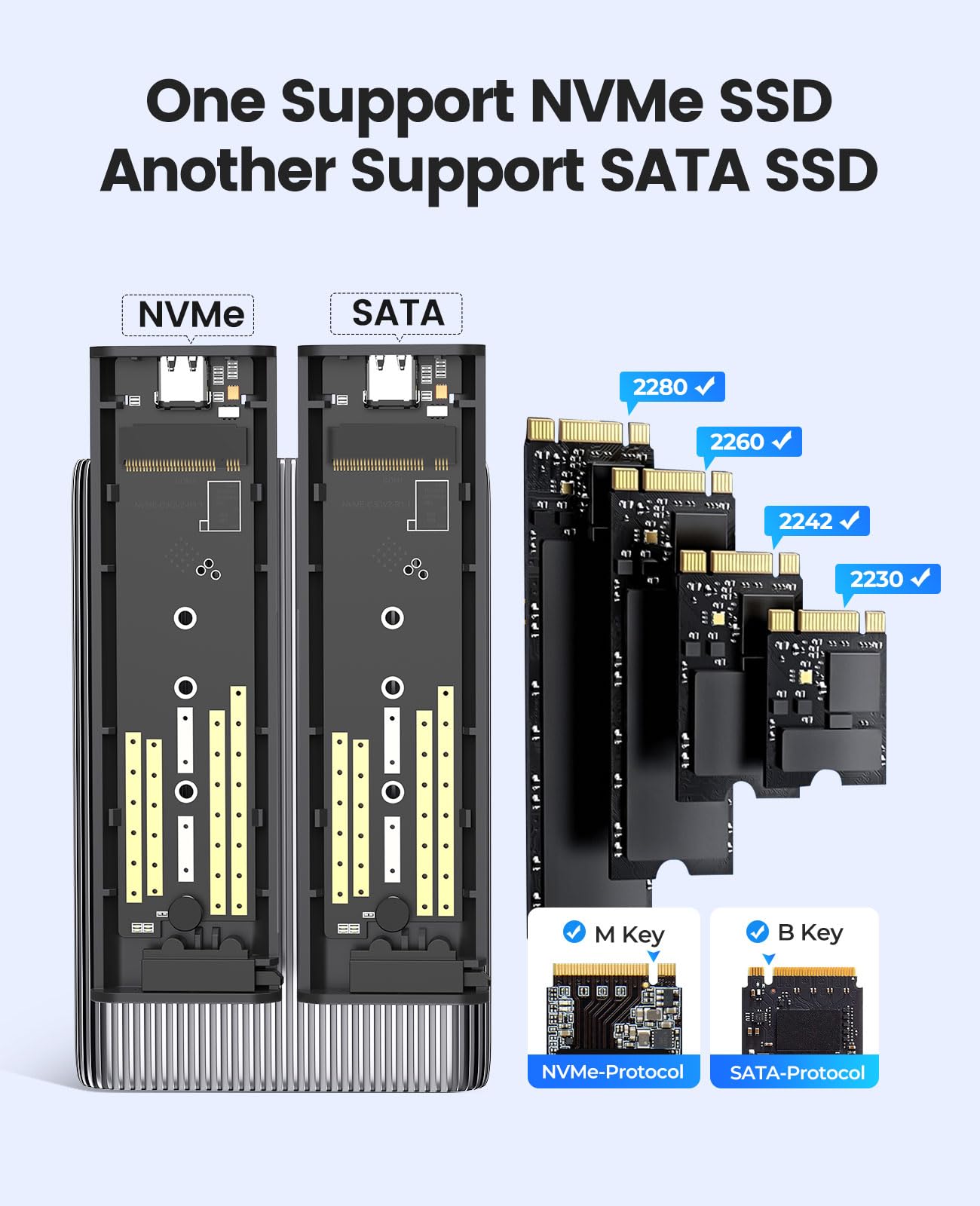
- 【NOTE】One slot support M.2 NVMe SSD(M Key). Another slot support M.2 SATA SSD(B+M Key)
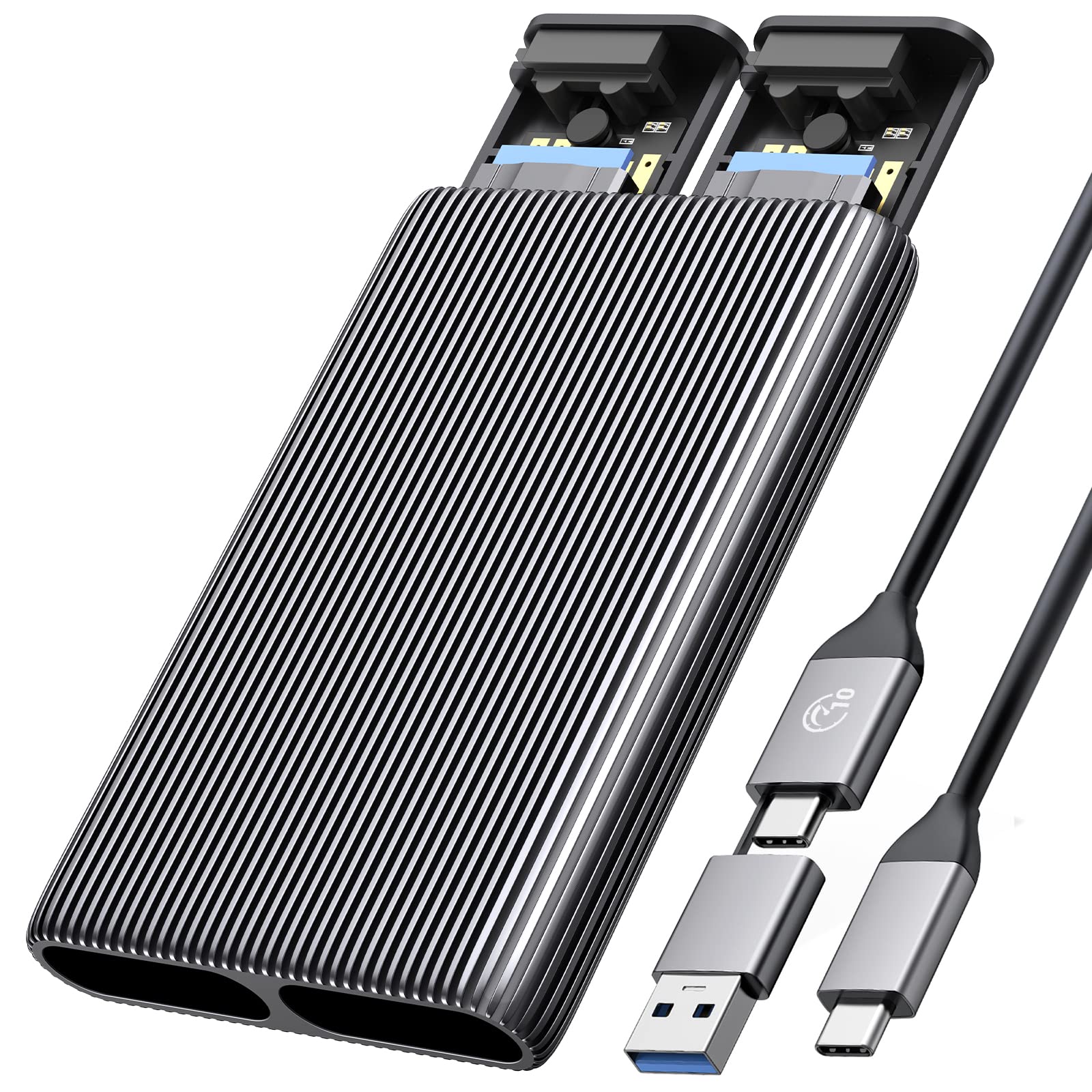
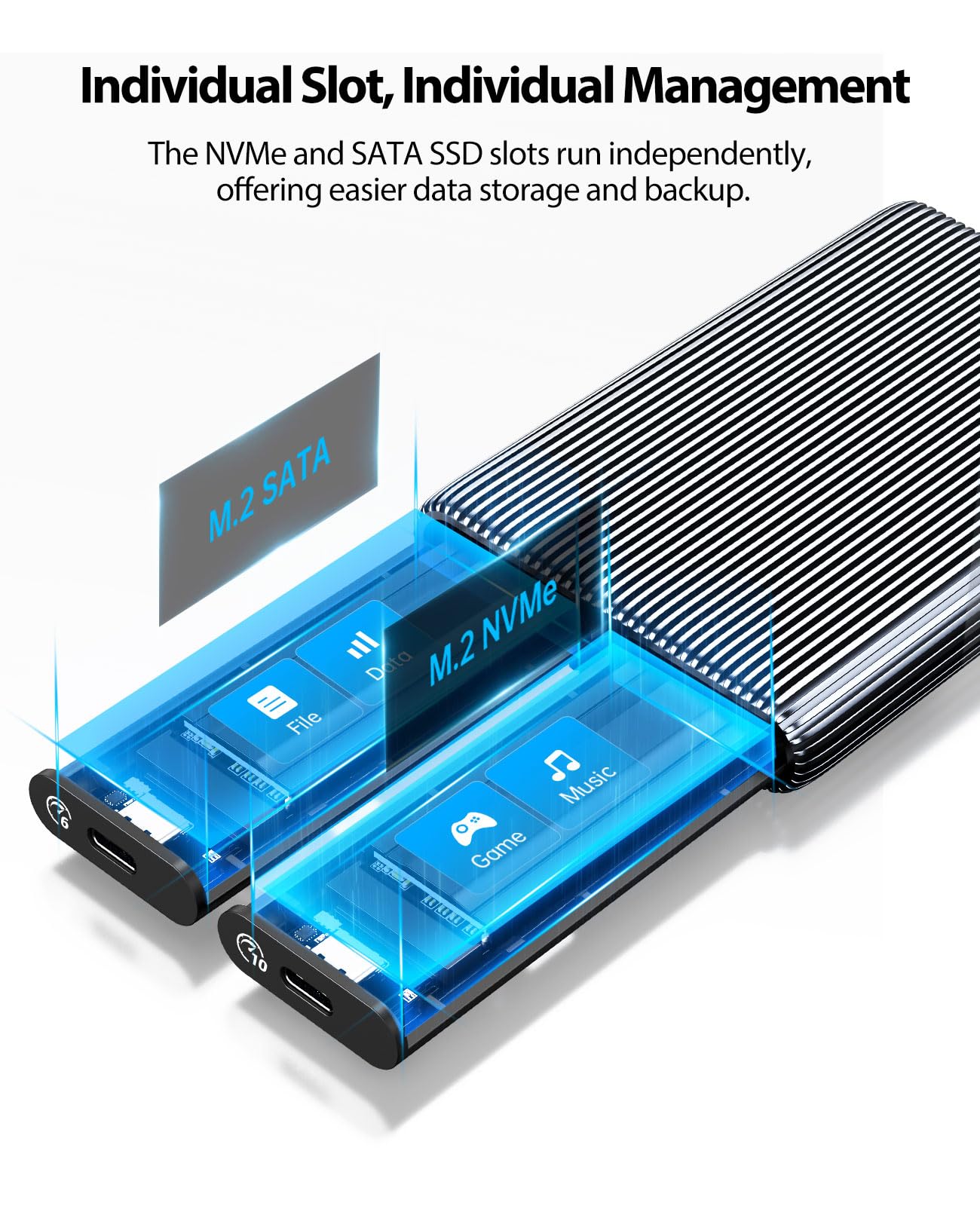
- 【Dual NVMe & SATA Enclosure】This dual-slot M.2 adapter has two independent M.2 SSD enclosures for M.2 NVMe and SATA SSD(10Gbps bay only for NVMe SSD, another 6Gbps bay only for M.2 SATA SSD, please note the enclosure marks.), run a single SSD independently, and connect two data cables simultaneously to read two SSDs. No power adapter required
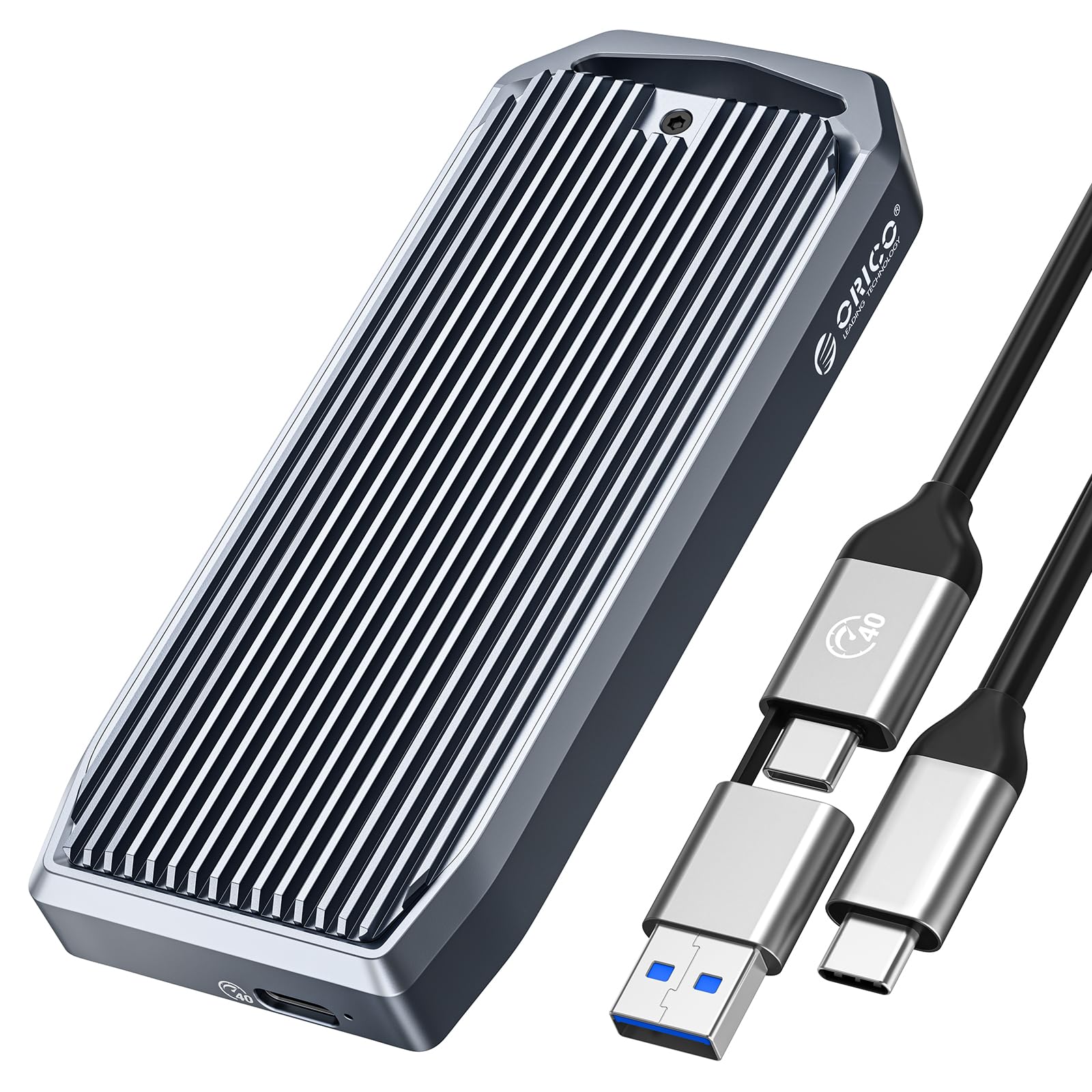
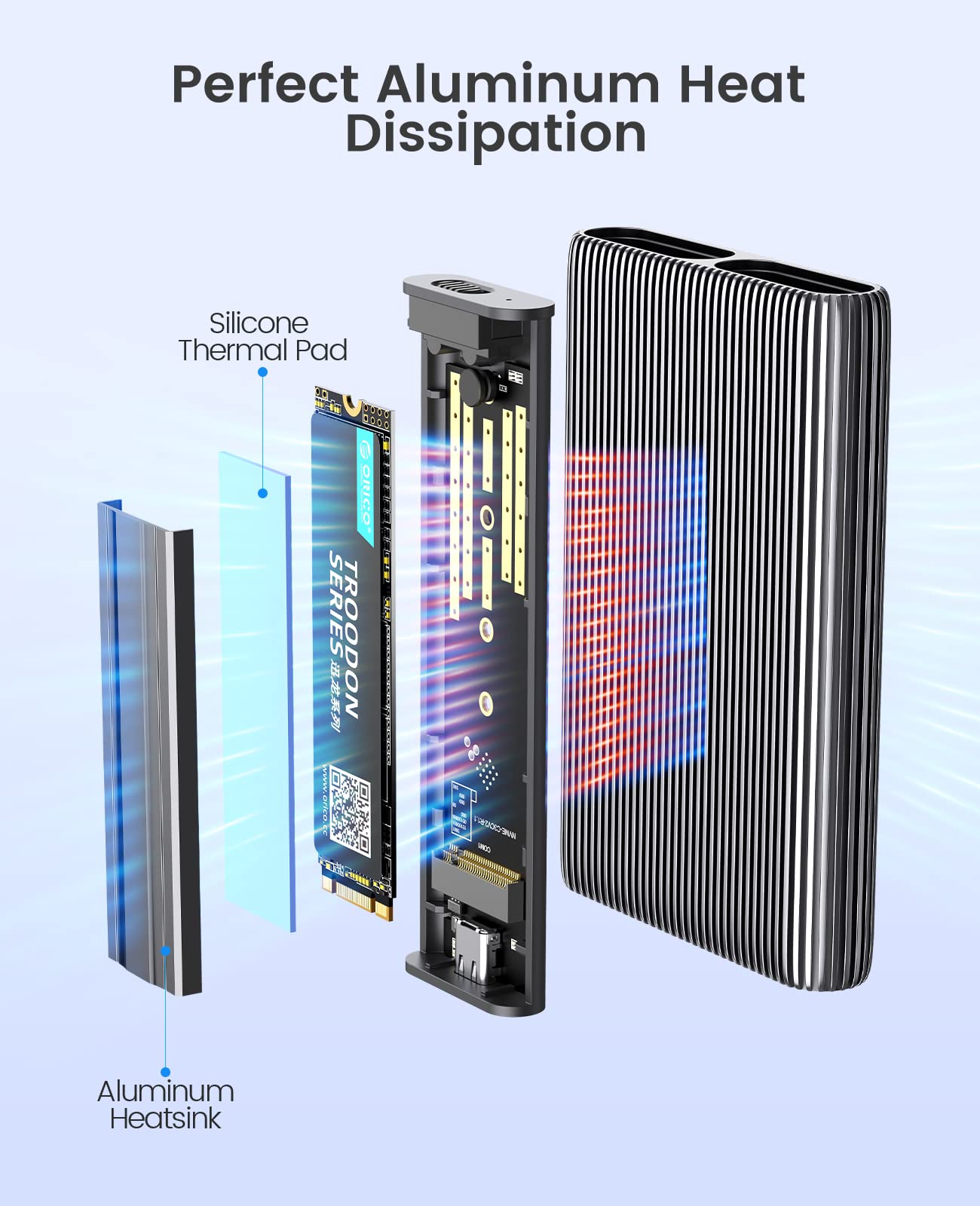
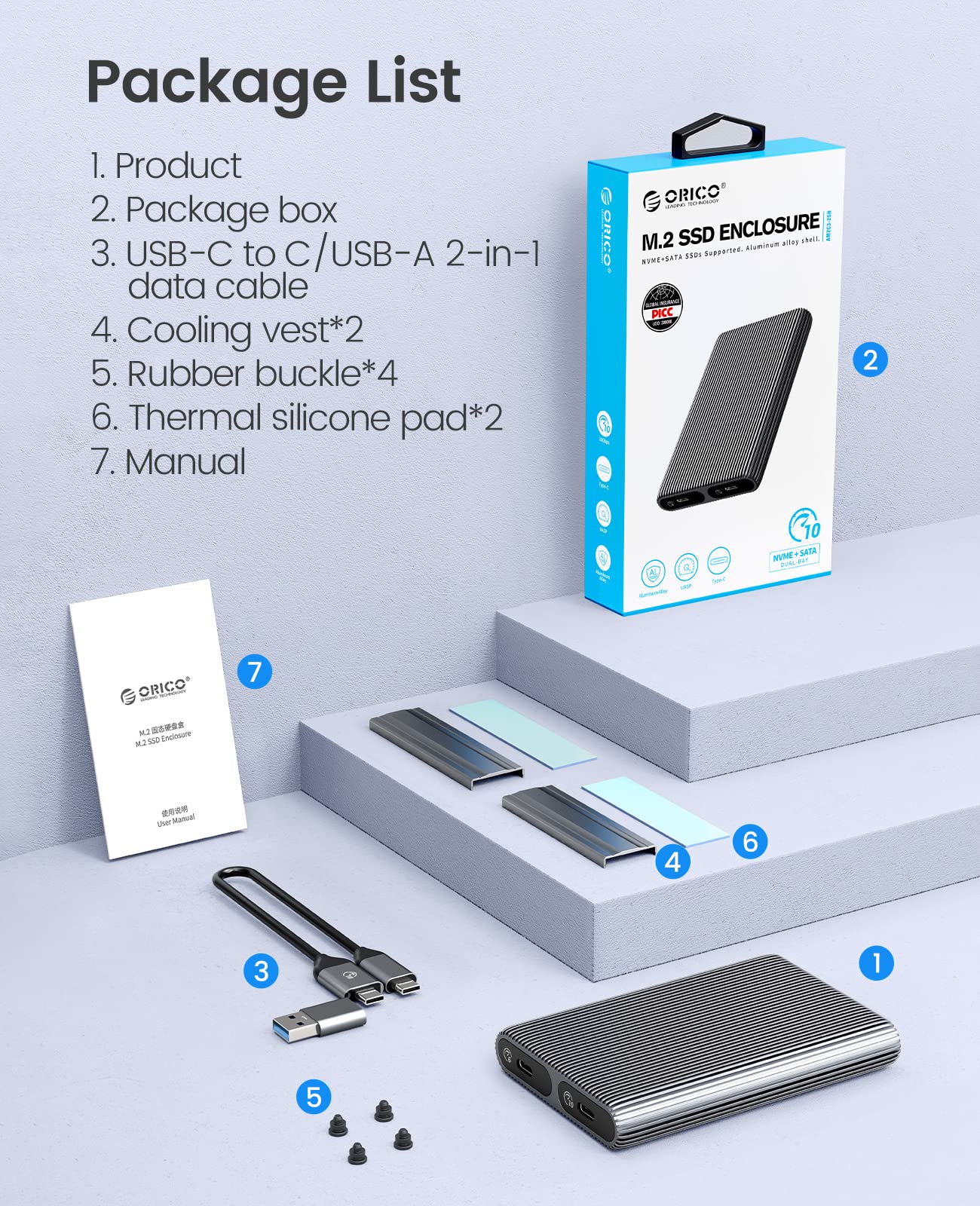
- 【Fully aluminum heat Dissipation 】 The ORICO M.2 NVMe SATA case adopts aluminum alloy striped fin design to extend the heat Dissipation zone, with two heat Dissipation vests (heat sinks) and two silicone heat pads to reduce the damage of high-speed SSD
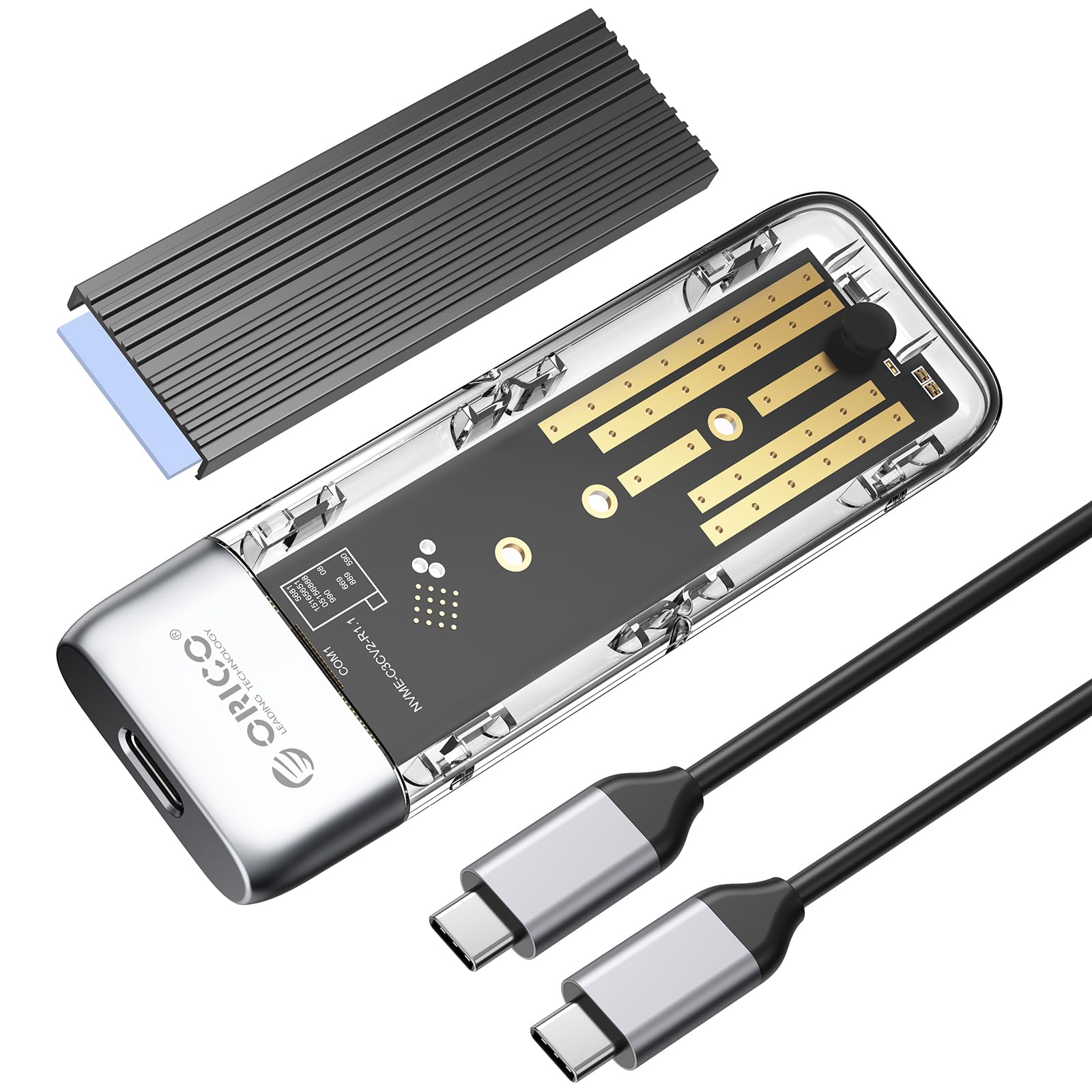
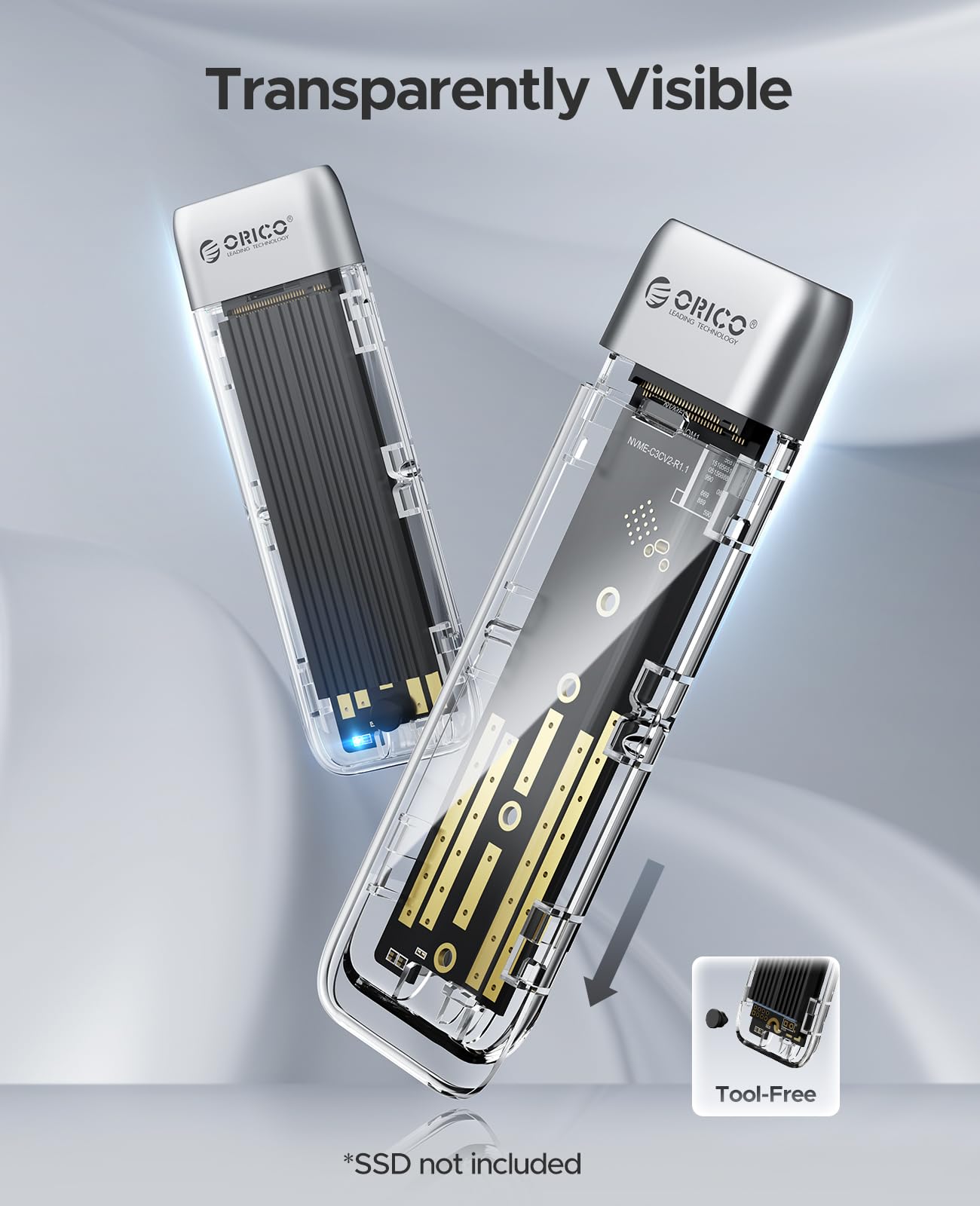
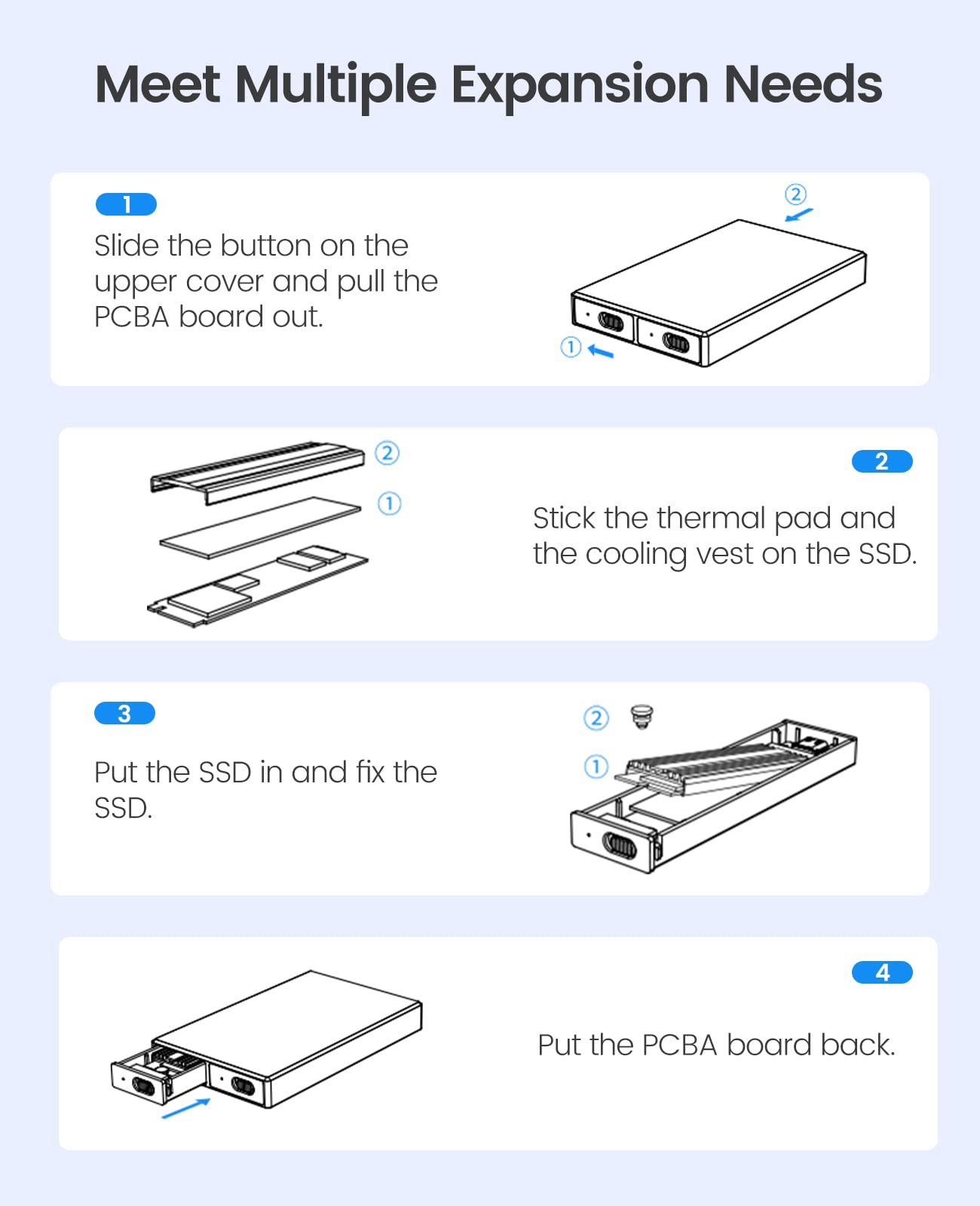
- 【Tool-free Installation 】Simply insert your SSD into this M.2 USB adapter, fix the SSD with a rubber cap, and then connect the USB cable to your device to use it. Toolless installation allows you to use your SSD quickly. No driver required, plug and play, hot replaceable support
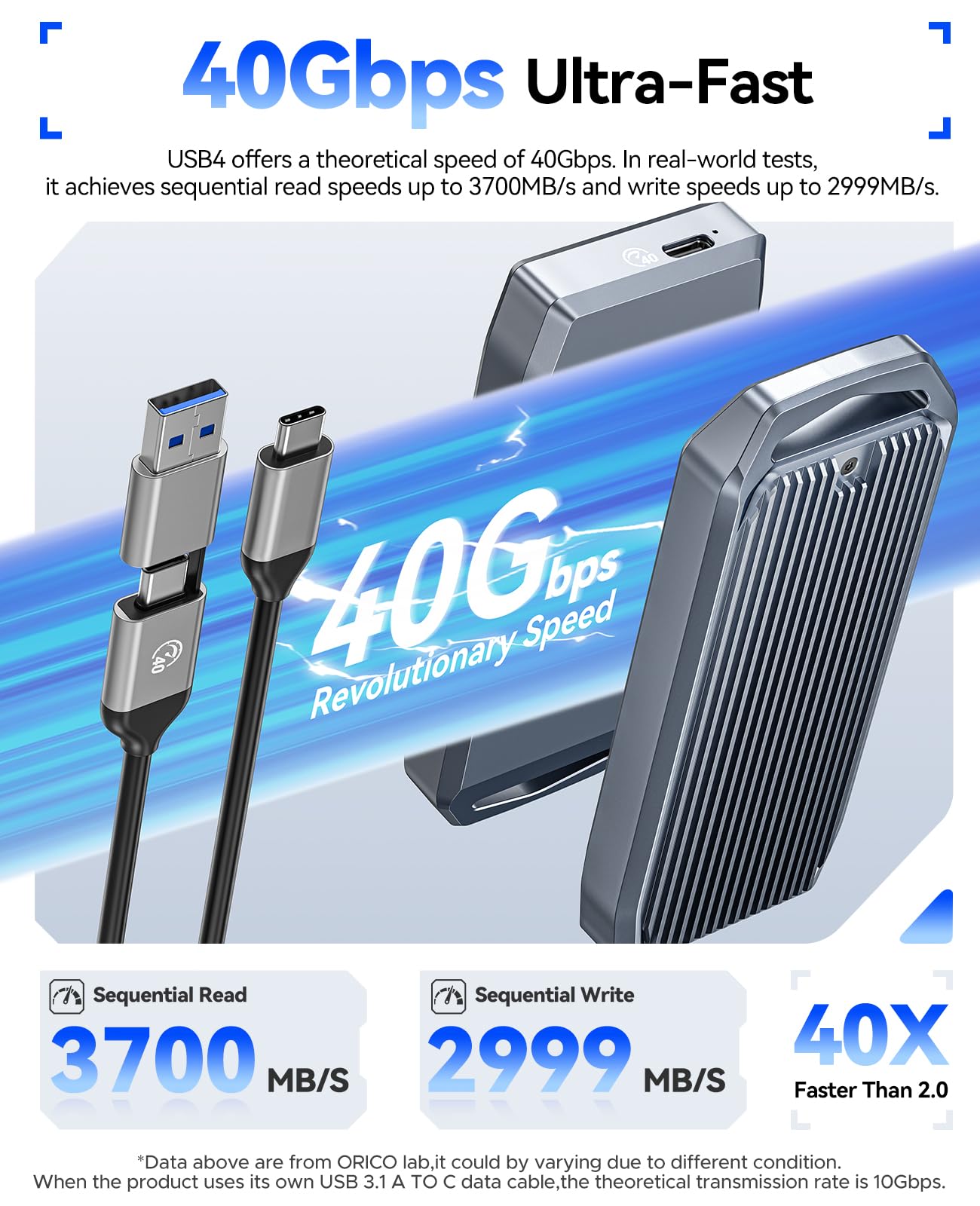
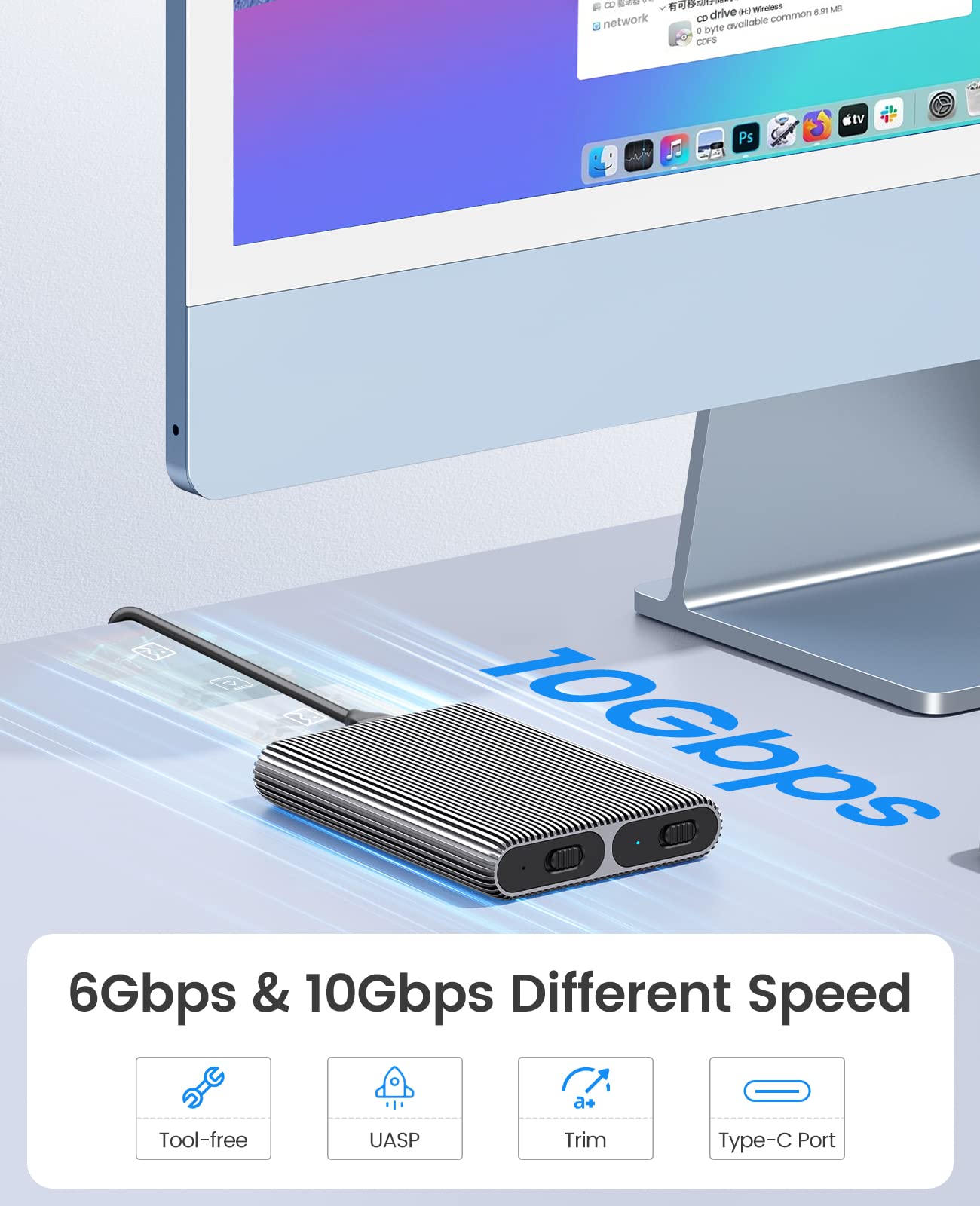
- 【High speed 】 The ORICO M.2 case with the latest USB3.2 Gen2 Type-C connector supports NVME NGFF SATA SSD, running faster and more stable. It supports the speed of M.2 SATA SSD up to 6 Gbps, M.2 NVMe SSD up to 10 Gbps
- 【Wide compatibility 】 This ORICO AM2-2S case is suitable for NVMe M-Key SSD (based on PCI-e) and M.2 SATA B-Key B+M Key in sizes 2230, 2242, 2260, 2280 (storage up To 2 x 4tb). Supports Windows/Mac/Linux systems, not only for PCs and laptops but also for smart TVs, mobile phones (with OTG support), smart routers and PS3/PS4/XBOX, etc.
- 【MORE DETAILS】The M.2 USB case has an indicator to show the working status of the solid-state drive. ORICO provides a 12-month warranty and 7 x 24-hour technical support. If you're not completely satisfied with your purchase, please feel free to contact us
- 【NOTE】 The new SSD needs to be partitioned and formatted for the first use, otherwise the device cannot recognize the SSD. Confirm whether the hard disk format is consistent with the SSD format supported by the system. If not, please format the SSD into a hard disk format supported by the system
Select Model
From $24.99
ORICO Dual M.2 NVMe with SATA SSD Enclosure, USB C to M2 Adapter for M Key PCIe & B+M Key 2230/2242/2260/2280 M.2 SSDs, Tool-Free Installation Aluminum Case Support Trim and UASP up to 2x4TB—
$24.99
Product Information
Product Information
Shipping & Returns
Shipping & Returns
Description
- 【NOTE】One slot support M.2 NVMe SSD(M Key). Another slot support M.2 SATA SSD(B+M Key)
- 【Dual NVMe & SATA Enclosure】This dual-slot M.2 adapter has two independent M.2 SSD enclosures for M.2 NVMe and SATA SSD(10Gbps bay only for NVMe SSD, another 6Gbps bay only for M.2 SATA SSD, please note the enclosure marks.), run a single SSD independently, and connect two data cables simultaneously to read two SSDs. No power adapter required
- 【Fully aluminum heat Dissipation 】 The ORICO M.2 NVMe SATA case adopts aluminum alloy striped fin design to extend the heat Dissipation zone, with two heat Dissipation vests (heat sinks) and two silicone heat pads to reduce the damage of high-speed SSD
- 【Tool-free Installation 】Simply insert your SSD into this M.2 USB adapter, fix the SSD with a rubber cap, and then connect the USB cable to your device to use it. Toolless installation allows you to use your SSD quickly. No driver required, plug and play, hot replaceable support
- 【High speed 】 The ORICO M.2 case with the latest USB3.2 Gen2 Type-C connector supports NVME NGFF SATA SSD, running faster and more stable. It supports the speed of M.2 SATA SSD up to 6 Gbps, M.2 NVMe SSD up to 10 Gbps
- 【Wide compatibility 】 This ORICO AM2-2S case is suitable for NVMe M-Key SSD (based on PCI-e) and M.2 SATA B-Key B+M Key in sizes 2230, 2242, 2260, 2280 (storage up To 2 x 4tb). Supports Windows/Mac/Linux systems, not only for PCs and laptops but also for smart TVs, mobile phones (with OTG support), smart routers and PS3/PS4/XBOX, etc.
- 【MORE DETAILS】The M.2 USB case has an indicator to show the working status of the solid-state drive. ORICO provides a 12-month warranty and 7 x 24-hour technical support. If you're not completely satisfied with your purchase, please feel free to contact us
- 【NOTE】 The new SSD needs to be partitioned and formatted for the first use, otherwise the device cannot recognize the SSD. Confirm whether the hard disk format is consistent with the SSD format supported by the system. If not, please format the SSD into a hard disk format supported by the system